Quick Start Guide
Set up your team and track your first season in a few steps.
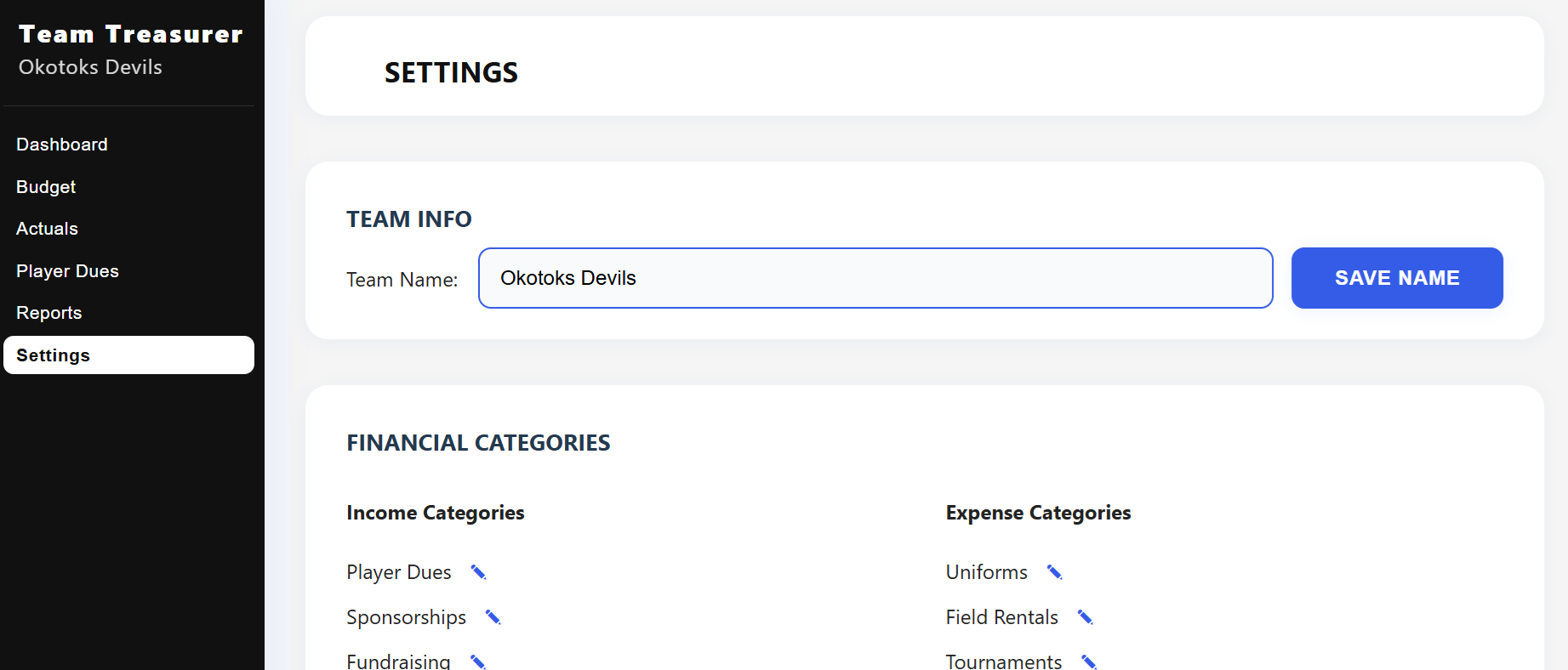
Step 1: Personalize Your Team Setup
Head to the Settings tab to tailor the app to your team.
- Add your team name
- Customize categories like renaming "Field Rentals" to "Ice Rentals"
- Add items such as "Meals", "Travel" or "Equipment Repairs"
Step 2: Plan Your Season Budget
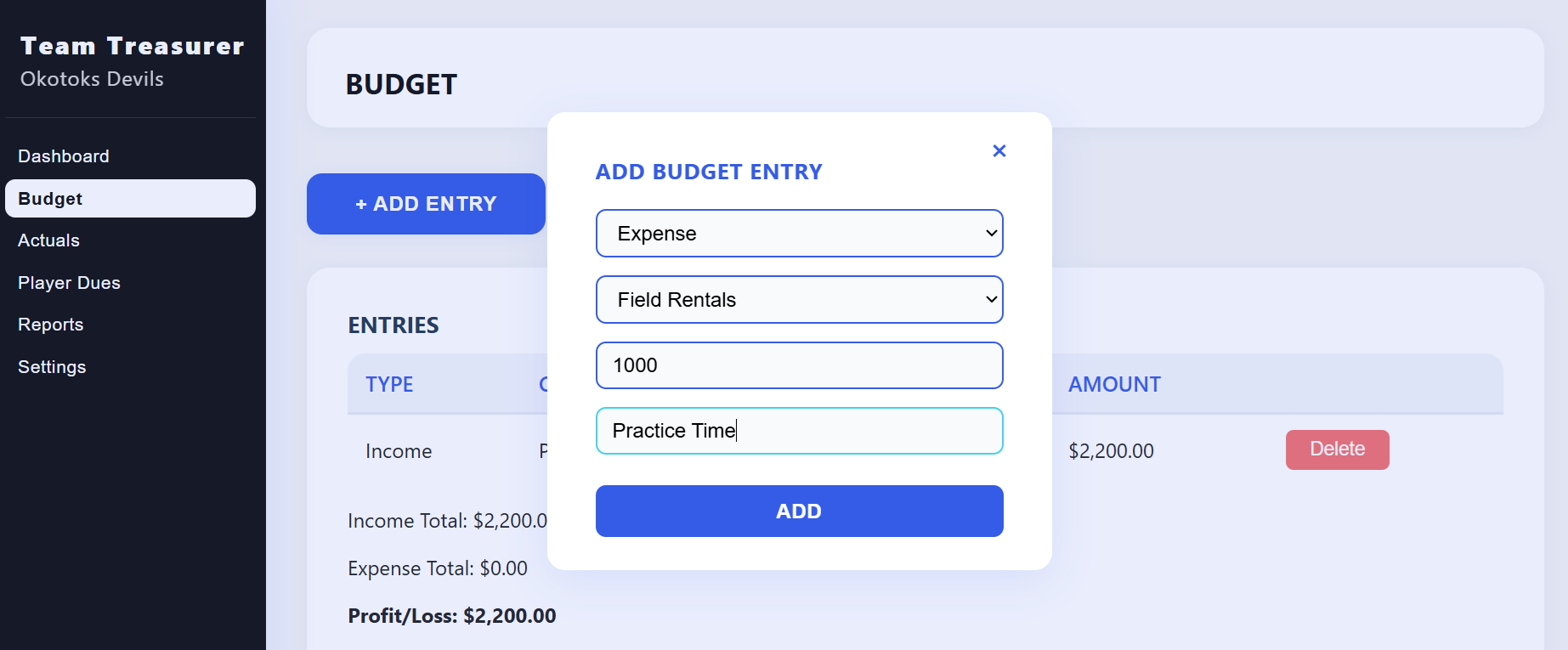
Visit the Budget tab to outline expected income and expenses.
- Enter player dues and sponsorships
- Add planned expenses like tournaments or uniforms
- See projected profit or loss instantly
Step 3: Track Actual Income & Expenses
Switch to the Actuals tab to log real transactions as the season progresses.
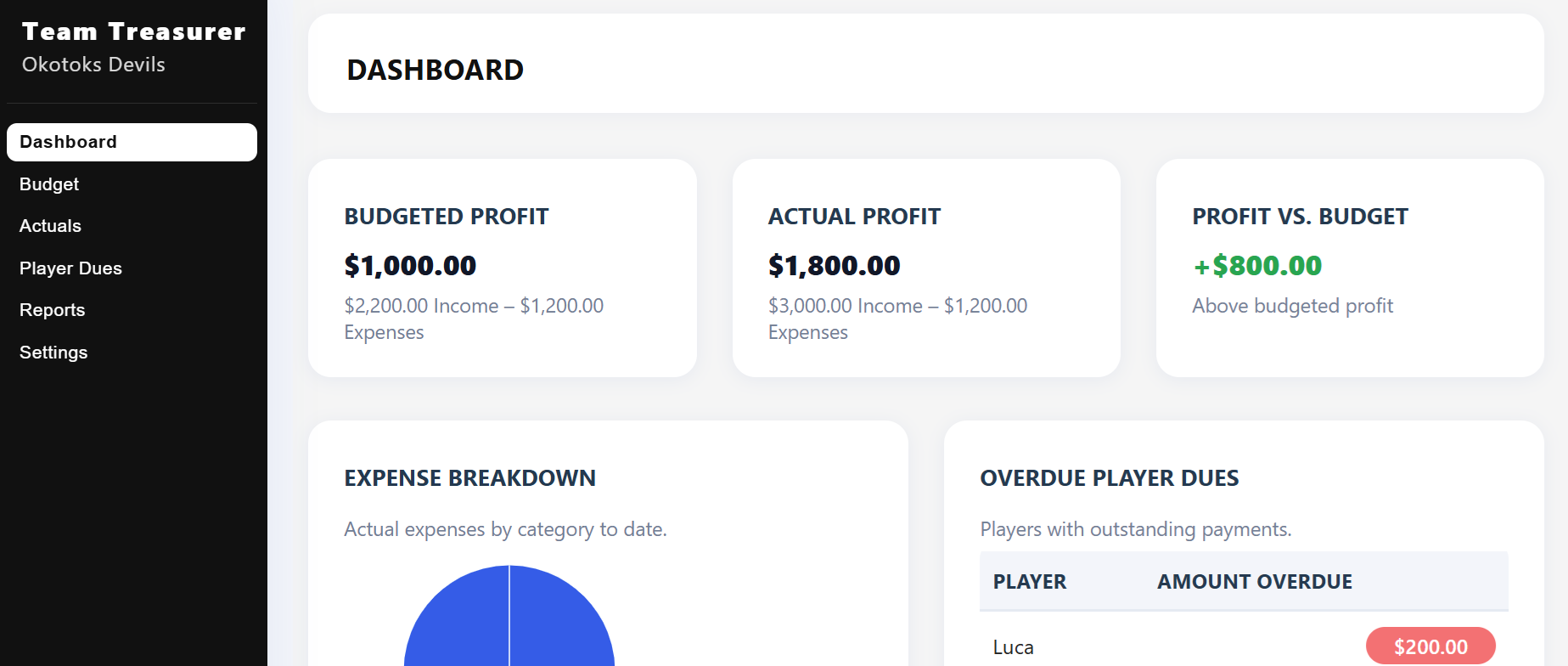
- Compare actuals with your budget
- Stay on top of finances in the dashboard
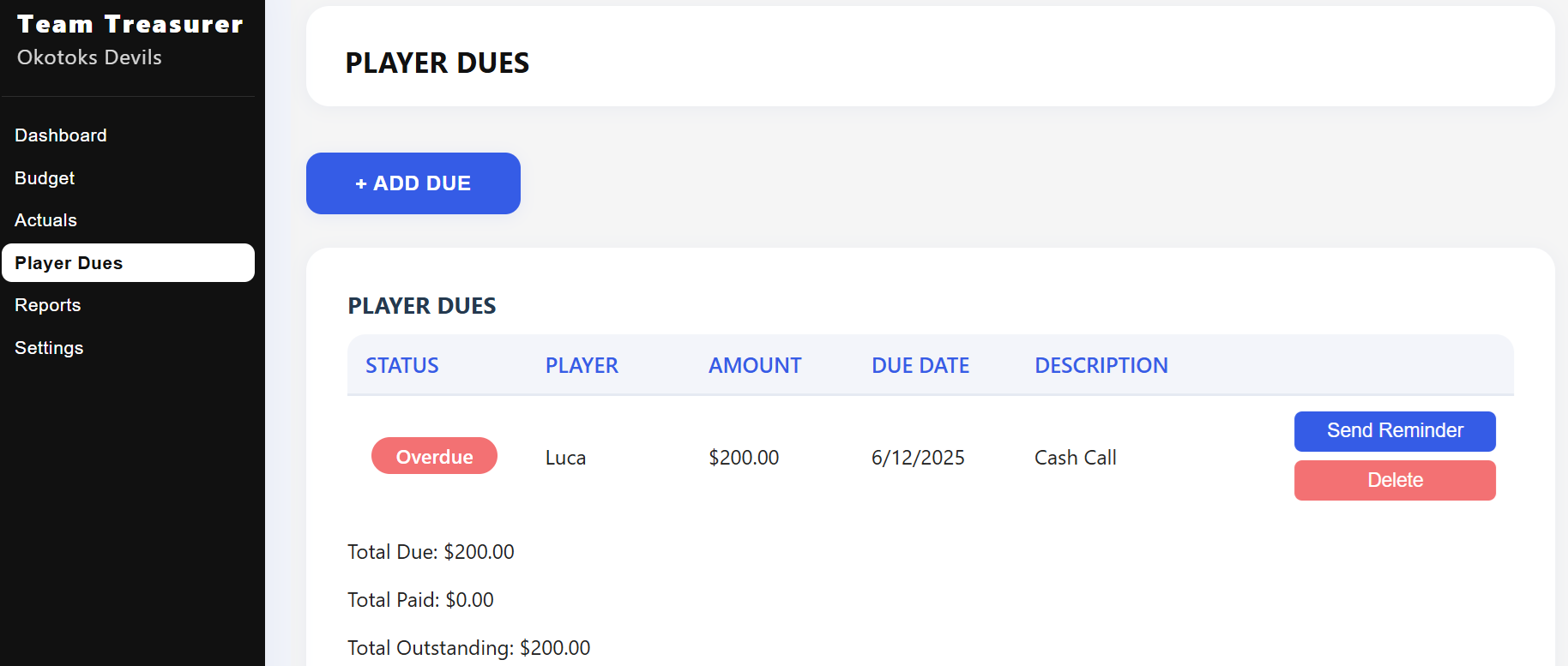
Step 4: Set Up Player Dues
Go to the Player Dues tab to add your roster and assign amounts.
- Track who has paid and who is overdue
- Send reminders with a single click
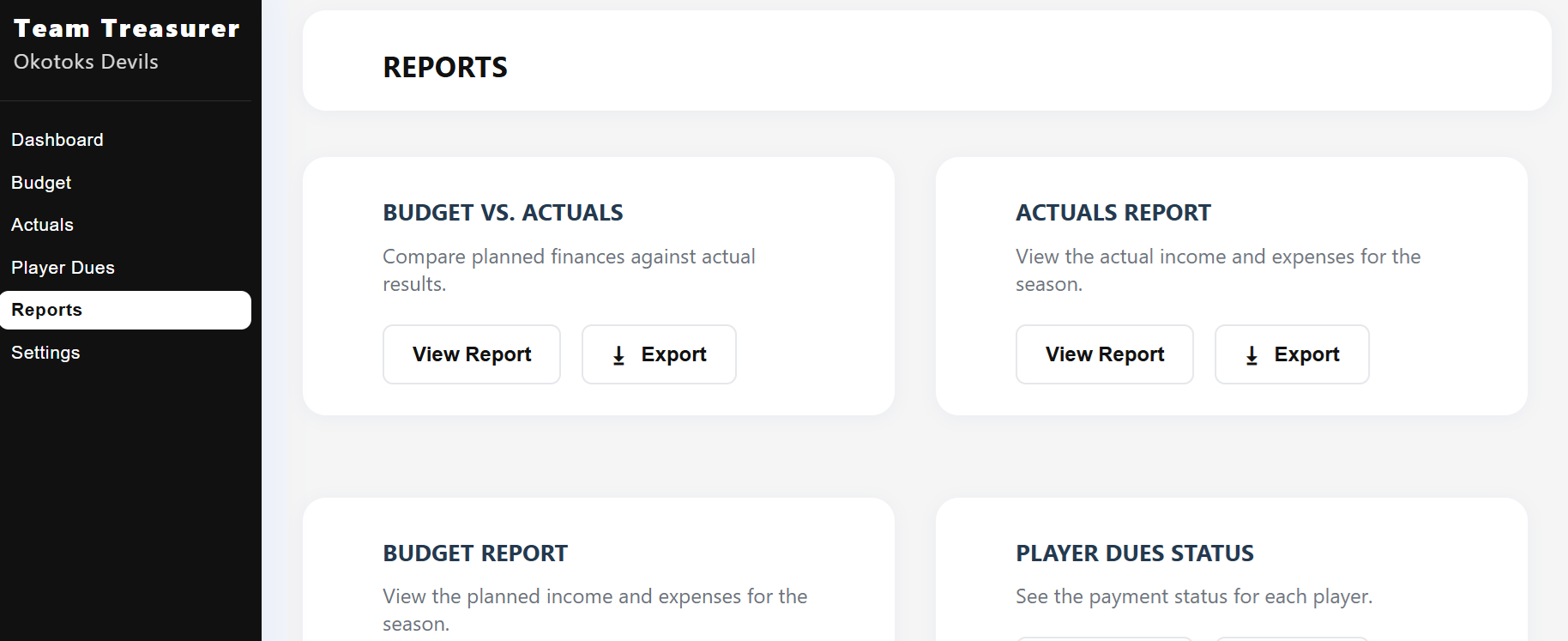
Step 5: Generate Reports
Head to the Reports tab to compare Budget vs. Actuals and export summaries.
- Income & Expenses by category
- Export to PDF or Excel for your league or board